

Overview
MCP apps and servers can see tool calls and their parameters, but not the conversation that triggered them. User Intents offer an easy way to gather the user’s intent behind each tool call, and help you analyze and categorise them.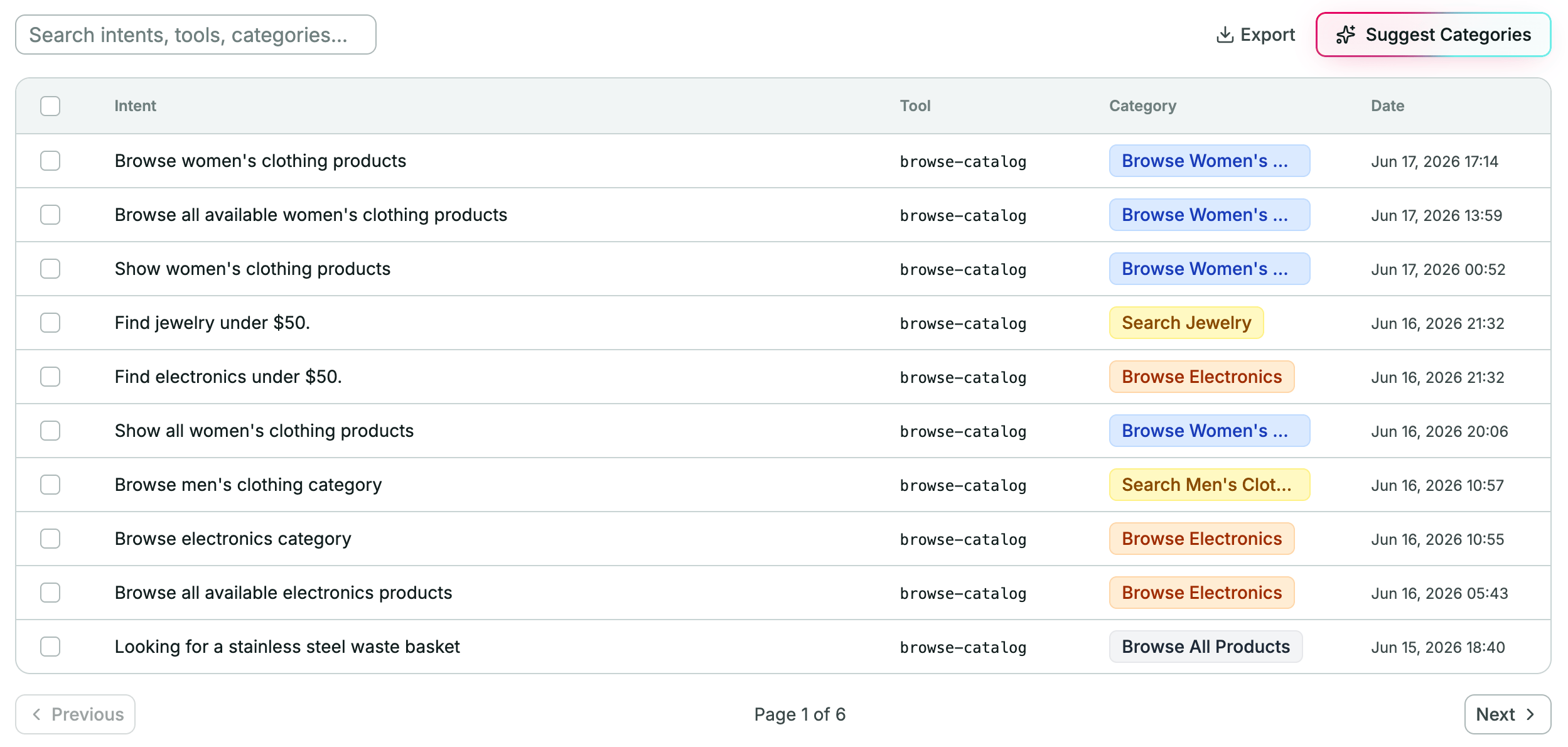
@alpic-ai/insights (TypeScript) and
alpic-ai-insights (Python SDK) packages dynamically add an extra
parameter to all your tools, asking the LLM to include the user intent while making sure to remove any
Personally Identifiable Information. Alpic then collects and stores those intents for you to explore.
1. Install the package
- TypeScript
- Python SDK
bash pnpm add @alpic-ai/insights 2. Wire it into your MCP app/server
Choose the entry point for your language and MCP framework.- TypeScript — Skybridge
- TypeScript — MCP SDK
- Python SDK — FastMCP
- Python SDK — low-level
Use
intentMiddleware: it returns a Skybridge McpMiddlewareFn you can register via mcpMiddleware(). Add it
before your tool/widget registrations:FastMCP example above uses the class bundled with the official MCP Python SDK
(mcp.server.fastmcp.FastMCP), not the separate fastmcp package.
3. Deploy
Deploy your application on Alpic as usual. As soon as the new version is live on the production environment, intents start flowing in.4. View intents in the dashboard
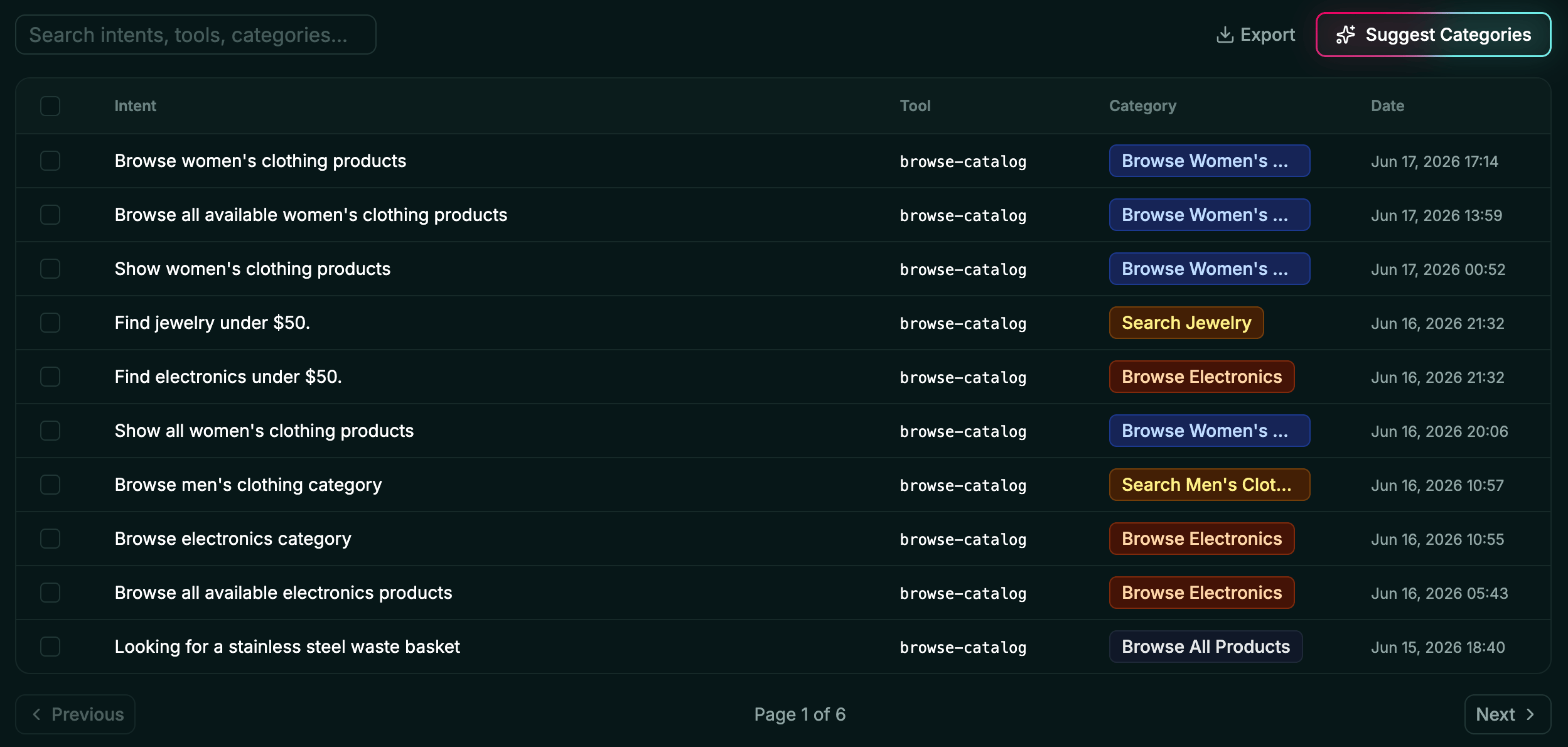
In the Alpic dashboard, open your project and click the Insights tab. You’ll see a paginated table with the following columns:- Intent: the user’s intent behind the tool call, summarized by the LLM.
- Tool: the name of the tool that was called.
- Client: the MCP client the call came from (ChatGPT, Claude, Cursor, …).
- Category: automatically categorized into a reusable label. You can modify it directly in the table.
- Date: the timestamp of the tool call.
- Replay: a link to the matching session replay, shown when session replay is enabled.
×N badge showing how many times they
occurred. Changing the category on a grouped row applies it to every occurrence in the group.
Use the search box to look through intents, tools and categories, and the Filters button to narrow the table by
tool, client, or category. Select rows to categorize or delete several intents at once.
5. Spot trends and signals
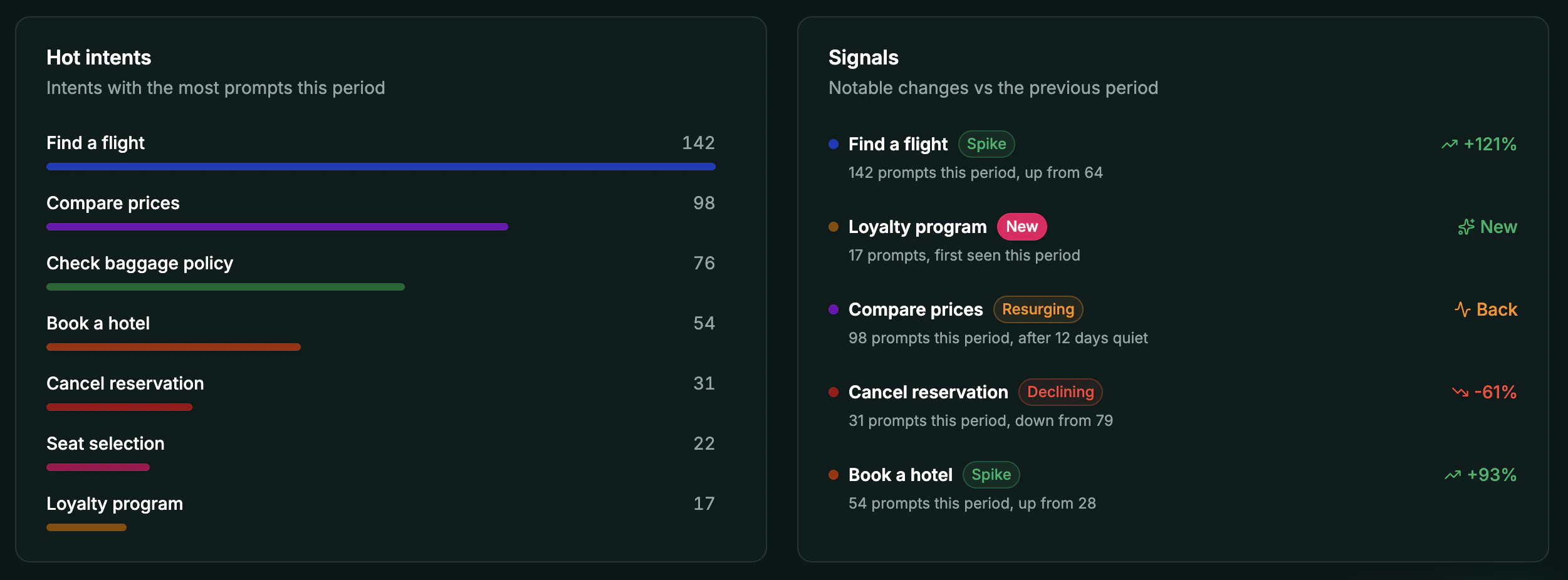
Hot Categories & Signals offer you a high-level overview of user intents trends over the selected period.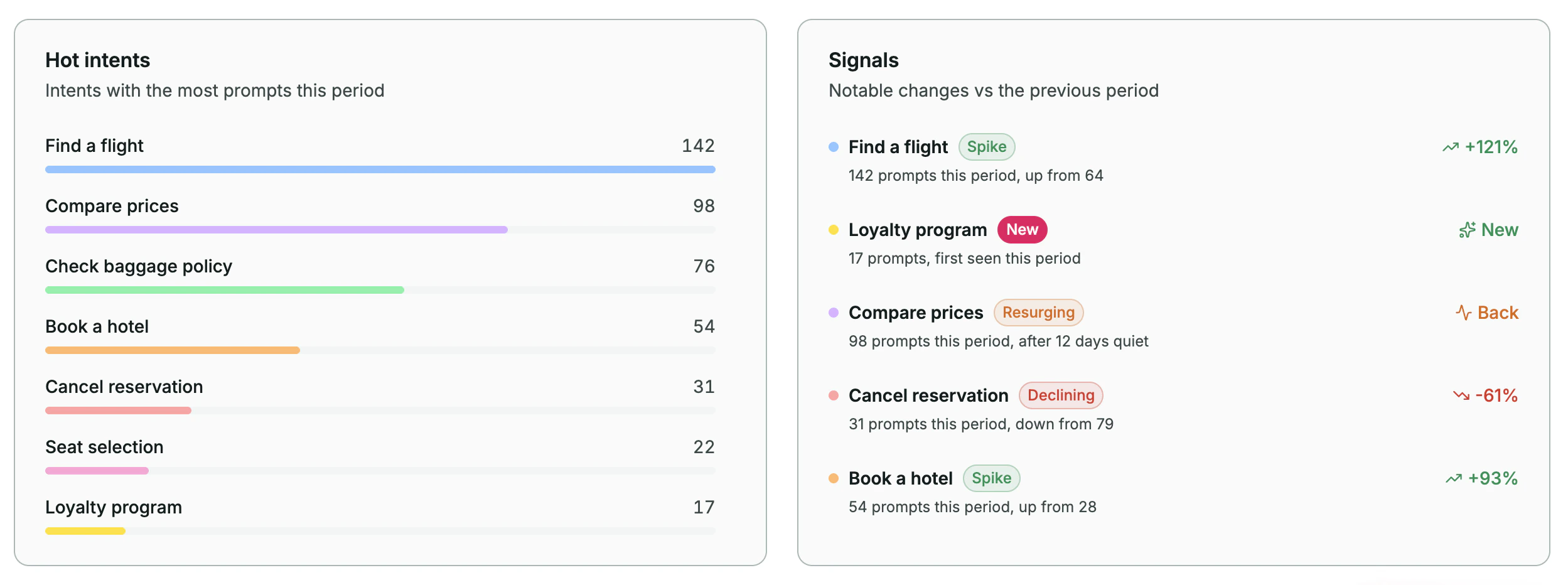
Optional: run a custom handler alongside Alpic
Pass ahandler to run your own logic (e.g. sending intents to your own analytics pipeline) on every captured intent.
The handler runs in addition to Alpic’s dashboard delivery, intents still appear in the User Insights page.
The handler runs inside your MCP server process:
- TypeScript — Skybridge
- TypeScript — MCP SDK
- Python SDK
Optional: capture from specific tools only
By default,intentMiddleware injects the user_intent field into every tool’s schema. Use the tools option to
restrict capture to a subset of your tools:
- TypeScript — Skybridge
- TypeScript — MCP SDK
- Python SDK
Optional: capture from an existing tool field
If your tool already has a parameter that conveys user intent (for example, aquery, rationale, or question
parameter on a search tool), you can capture its value instead of asking the LLM to copy the intent into a synthetic
user_intent field.
Use the argumentNameOverride option in TypeScript or argument_name_override in Python: a map of tool names to
the input field whose value should be captured as the intent.
- TypeScript — Skybridge
- TypeScript — MCP SDK
- Python SDK