

Activating Custom CNAMEs
To activate a custom CNAME for your MCP server environment, follow these steps:Go to Domains section
In the Settings page, navigate to the Domains section. You will see the list of domains you have added for your
project. Click on Add to add a new domain.
Add the domain name you want to use for your environment
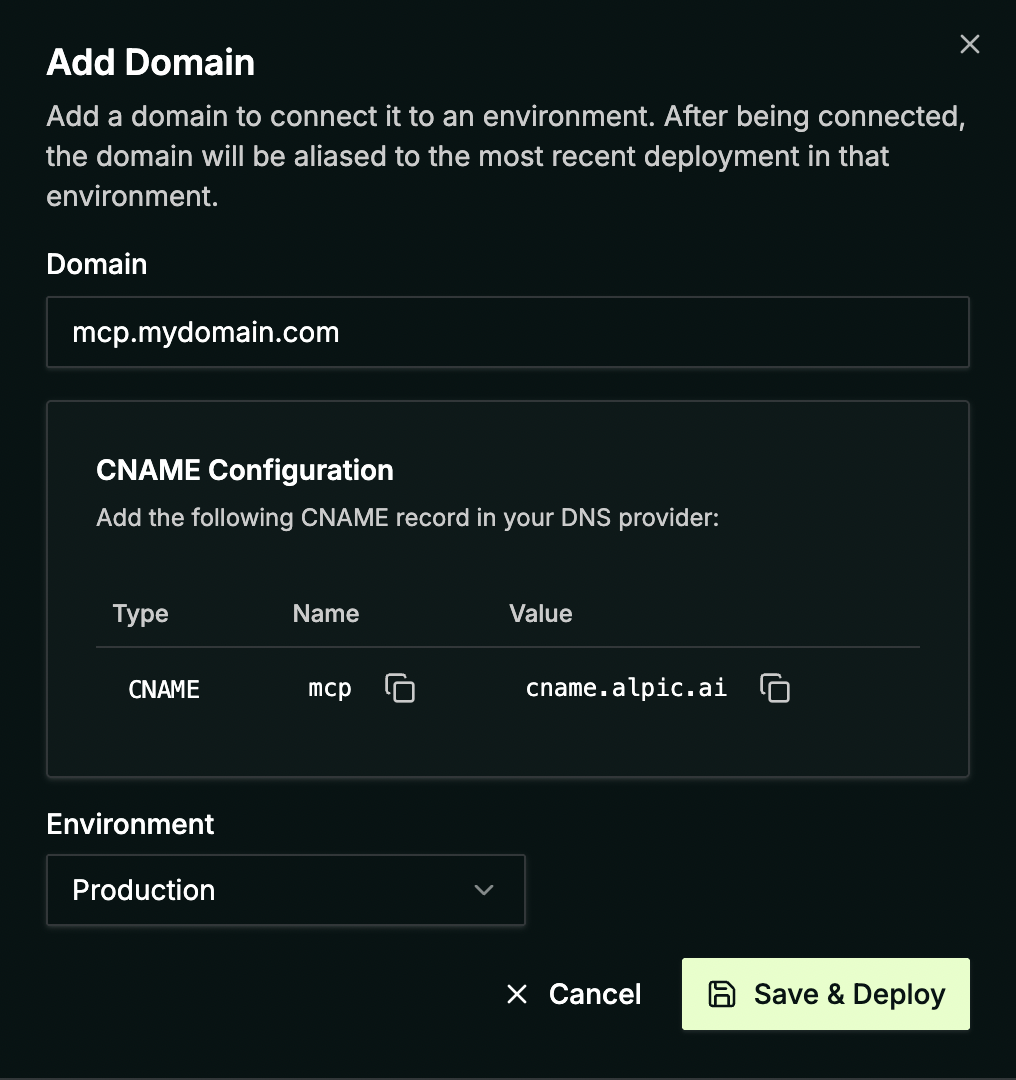
Enter your custom domain name and select the environment you want to configure. The CNAME records you need to add to your DNS provider will be displayed in the modal.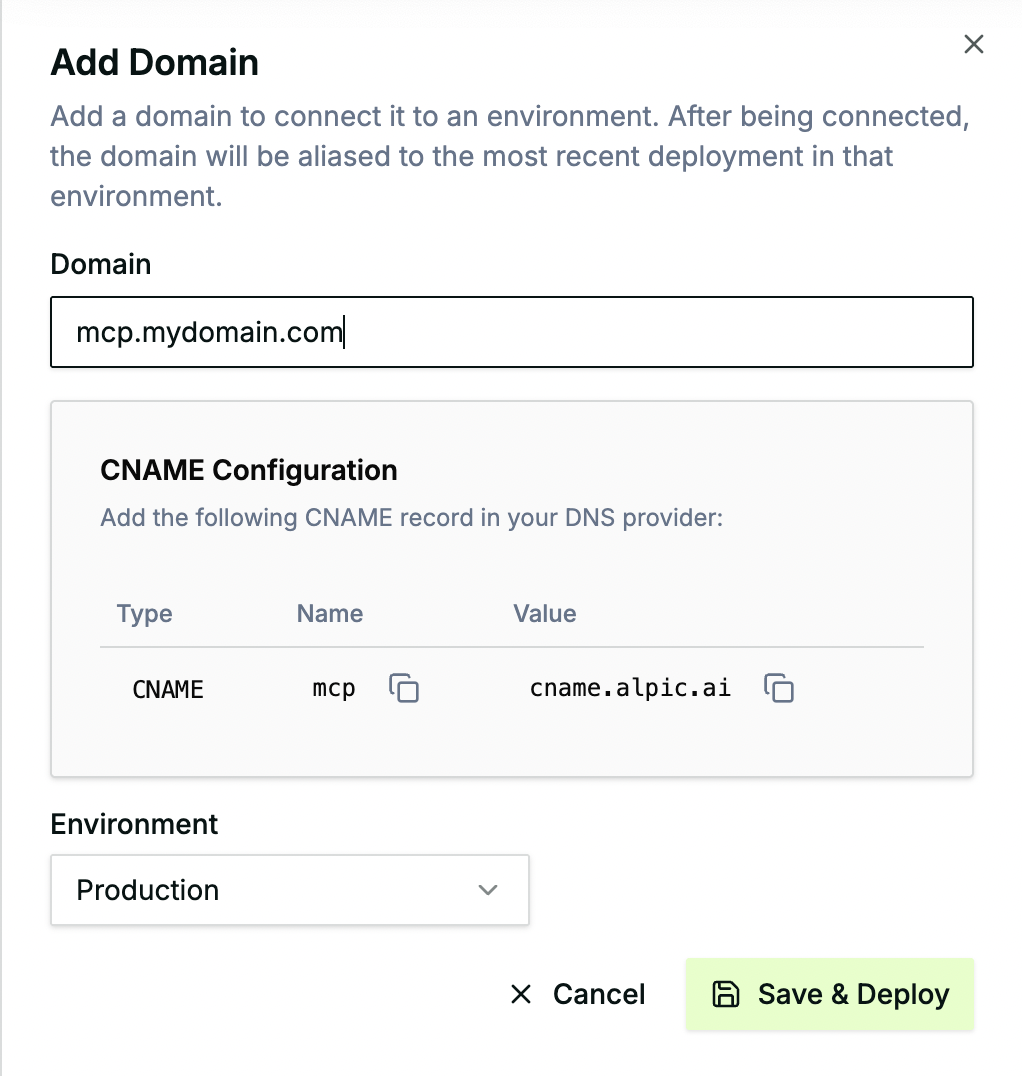
Configure DNS
Before validating the new domain name in Alpic, configure your DNS provider to point your domain to the Alpic endpoint
as shown above.


Currently, we don’t support root domains (e.g., example.com) or wildcard domains (e.g., *.example.com).